
How to edit your photo with Vikas Editor
Choose a clear reference photo, use an editable template or your own prompt, and review the result before you download.
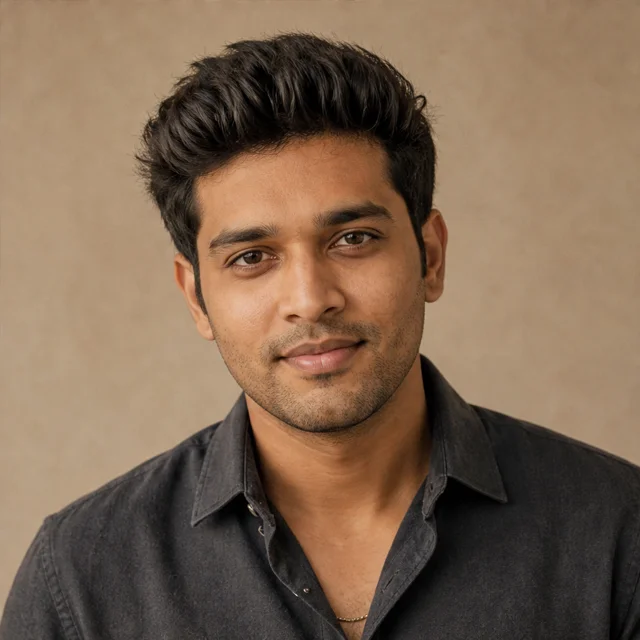
Start with a clear reference
Use a JPEG, PNG or WebP up to 3 MB. A well-lit photo with one face and a simple background is a useful starting point. Only upload a photo you own or have permission to edit and send to the AI provider.
Choose a template or describe your own edit
The photo library includes 40 starting prompts, including retro film, studio portraits, traditional clothing, festivals and illustration. A template loads its full instruction into the prompt field; you can change it before submitting.
Choose Other style to write your own request without an added style preset. For example: “Keep my face and clothes. Change only the background to a beach at sunset. Match the light to the scene.” This is an example instruction, not a guarantee of the finished result.
Describe what should stay the same, what should change, and the lighting or framing you want. A focused request is easier to review than a list of unrelated transformations. Prompts can use your own language and can contain up to 1,000 characters.
Check the cost and submit
Sign in, add the photo, choose an output shape and confirm your permission to use the image. A photo request costs 10 credits, including a request using Other style. If you need a pack, check the pricing page for the current offers and payment availability.
Submitting transmits the photo and prompt to the AI provider. If a request is still pending or its submission is uncertain, reopen that task before starting another paid request. For an uncertain submission, keep the task ID and contact support.
Review and download
Check the face, hands, clothing, background and any text. AI can change details even when the prompt asks to preserve them. Example illustrations do not promise that your own upload will produce the same scene or quality.
Download files you want to keep: provider links can expire. Recent history shows up to 20 items, and removing a completed item is not a request to delete every provider copy. The privacy policy explains how photos, prompts and results are handled.